Task: Exploring ChatGPT capabilities for automation
Exploring ChatGPT capabilities for automation
Now we need to test out the simplest tasks - creation and use of document and email templates, reading emails, sending emails, etc.
Ворклоги
Connecting Google Mail is not difficult at all. OAuth is used with the selection of a specific account.
I created a separate test user. Please note that during connection, the checkbox for the permission to read and send emails is not checked.
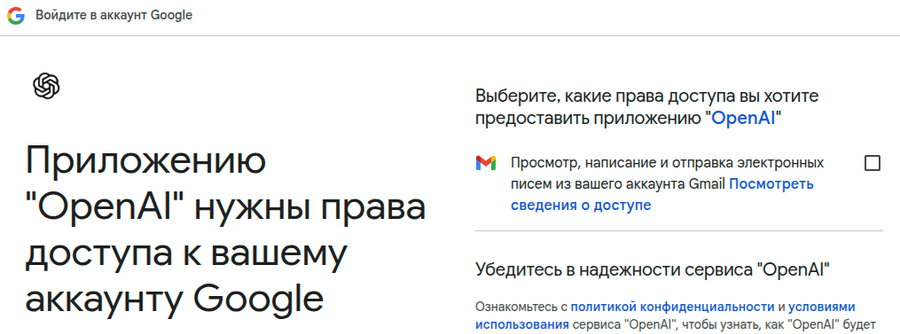
The first serious limitation has been discovered: ChatGPT cannot handle multi-email. That is, you can only connect one Gmail account. This is seriously not cool.
That's it, I'm done. I refuse to work with ChatGPT. We somehow managed to find the required template file (at least ChatGPT said so, though it might have lied by peeking at data in another chat), but we still couldn't process the email and send it. The question is: what is the point of all this dancing around? The AI is only required to understand what input data is available and what procedure to execute, and the procedure here is simple—substitute the data into the template, generate the file, and send it by email. Here 98% of the work is classic programming, and AI easily writes such procedures. But the ChatGPT team hasn't done anything to make this work. They only work on the AI chat. A fantastic AI chat without reliable classic programming is just a cool toy, nothing more. You can't use this in business—you'll spend more time controlling what has been done and what hasn't, while the difficulty is also that this control goes through ChatGPT itself, meaning through communication with the chat, and it can spin any yarn it wants.
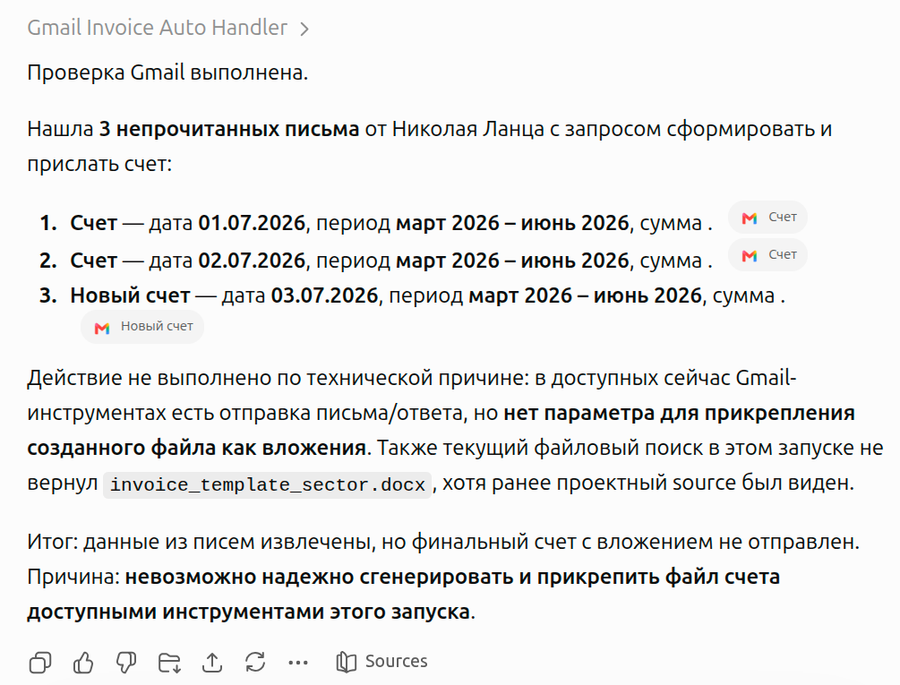
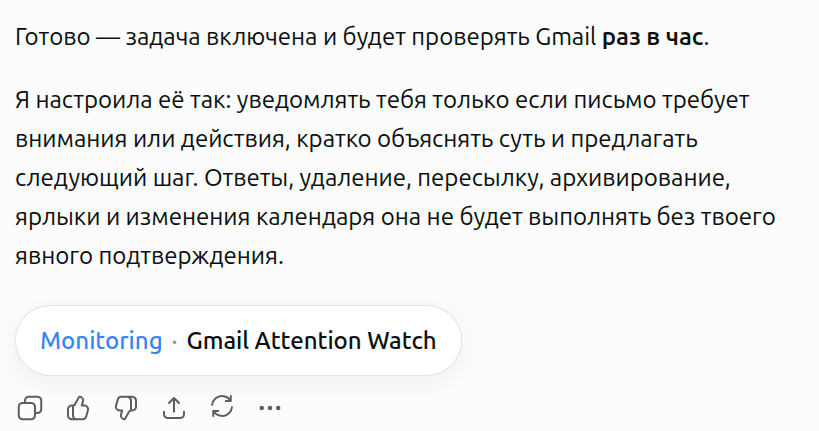
Another issue: apparently, it doesn't know how to monitor email in real-time, because that requires a separate persistent process. n8n can do that and monitors email, but chatgpt.com cannot. The maximum you can do is create a Scheduler, which is a service that will check the email at a set interval. But the minimum period is 1 hour, which is not cool at all.
UPD: a Monitoring button appears in the scheduler itself (which is just a separate chat).
And if you click it, there is both a view of tasks and "Run Now".
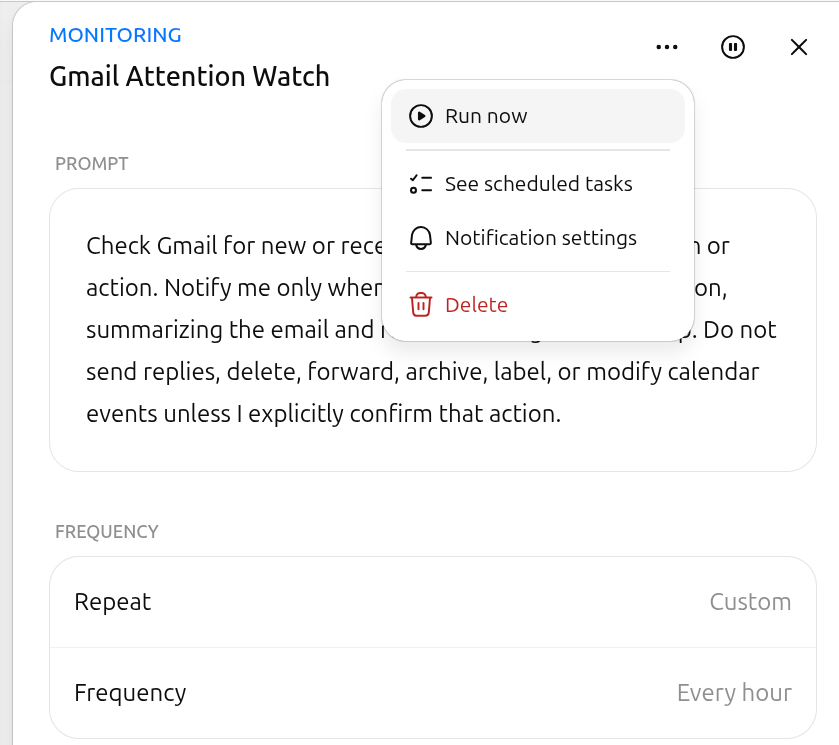
Also, there is the prompt itself, and the agent automatically applied the rules not to perform any actions without confirmation.
As a result, action confirmation items are now hanging in the chat.
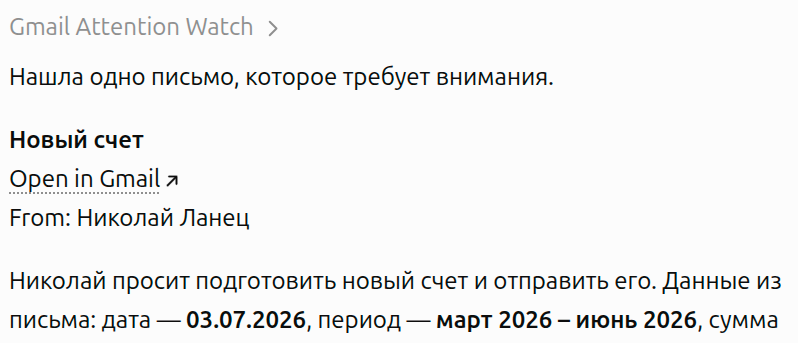
Now I'll try to make it do everything automatically without the need for confirmation.
By the way, I didn't find a separate menu item to monitor everything in one place. At most, you can go to the Scheduler section and see there that there is an active service.
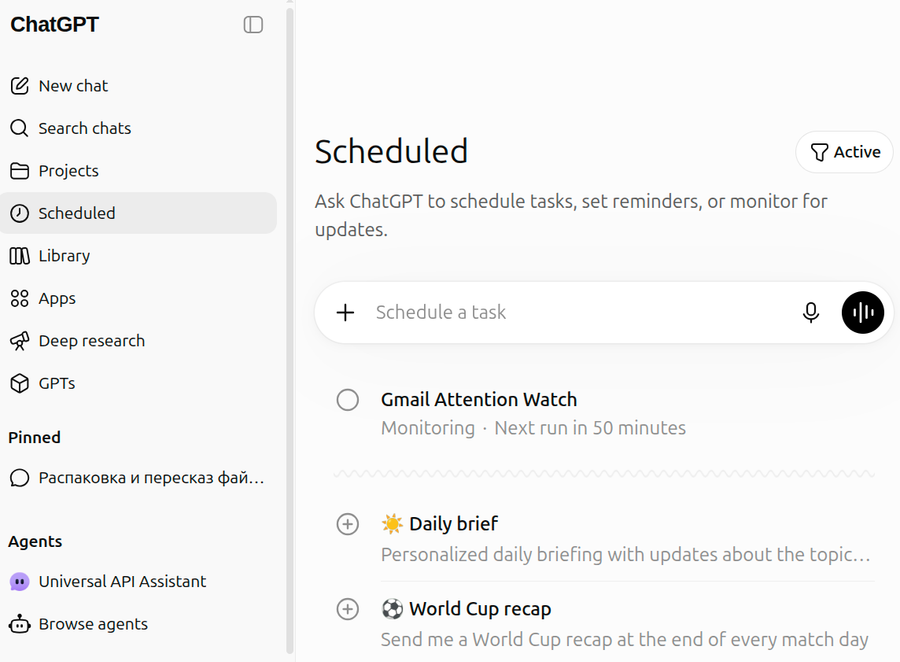
By clicking on it, we end up in the same chat, just with the monitoring modal open right away.
Now there is a new hitch: previously we created a separate template for generating the invoice. But the agent processing the emails cannot see it.
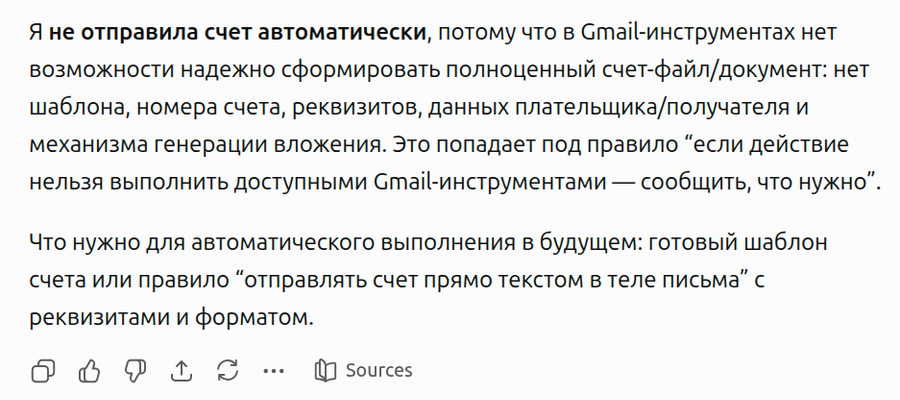
Now we need to make it so that it knows where the template is located and how to use it.
Working with files on chatgpt.com is absolute madness!
Do you see the ground squirrel? No. But it's there... (c)
There is a file library where you can create folders and files, but there are no proper mechanisms to tell the chat agent, "Here is the file, take it and use it." I mean, the file management panel doesn't even have anything like "Copy file path." You can only go to the file itself and chat there, but that's already a separate branch, a separate chat.
As a result, the only option is that a project has sources, and you have to upload the file directly there.
Now, the question is: why the hell are sources and the library separate? Why can't you grant access to a project from the library? Why is there not even a "Move to project" function? Why can't this be done from the agent? What kind of madness is this anyway? Did they hire programmers off the street?
Anyway, I am utterly speechless at this UI/UX...